Play 'Ugh~' Sound While Playing Nightregin by Using Discord Bot
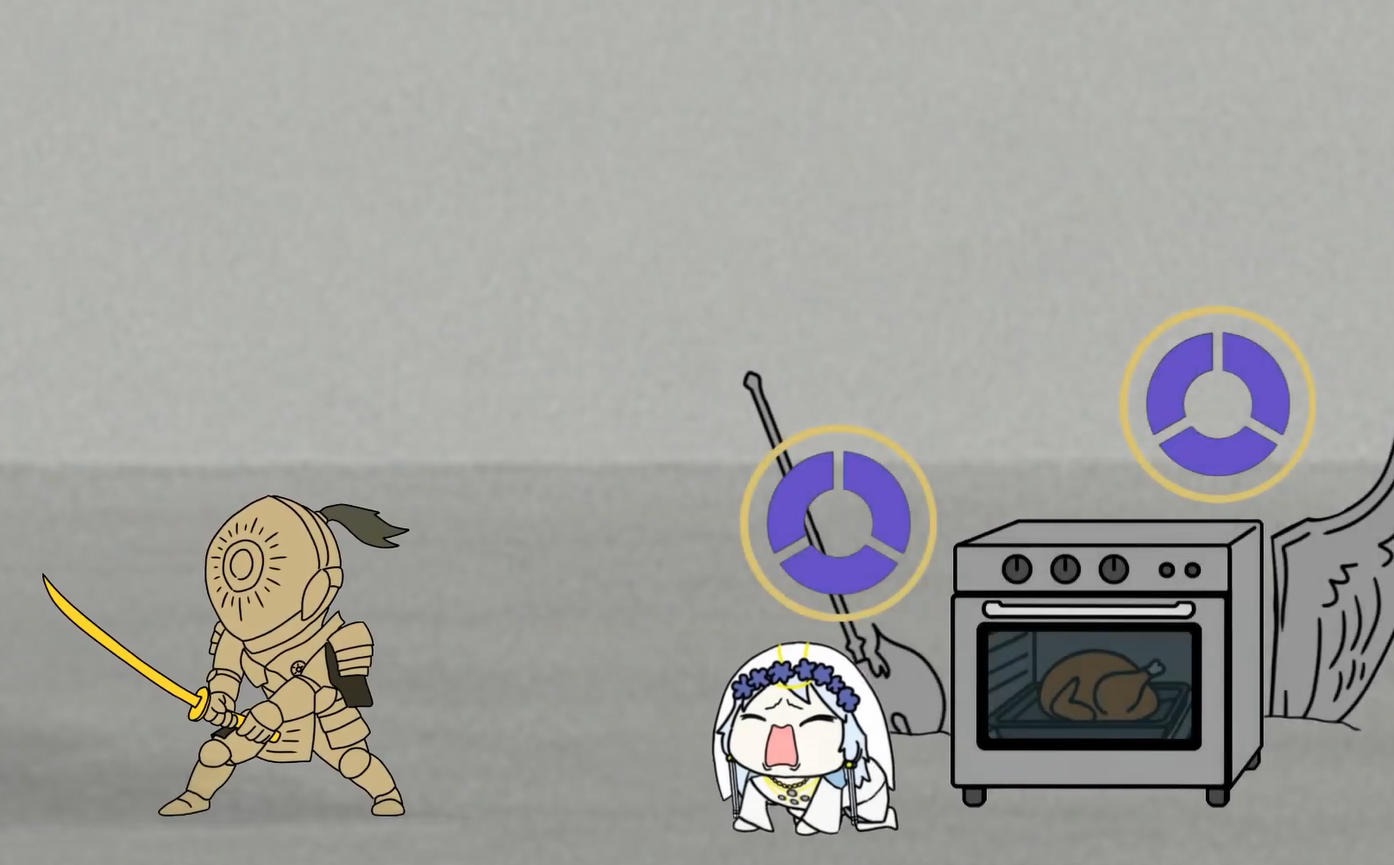
We know that Discord has a sound board, which allows you to play various weird sounds in game. But sadly it doesn’t work in full screen game like ELDEN RING:NIGHTREGIN.
I used to voice chat with my friends by other apps which can directly input sound to the channel from some external sound sources (like Soundpad). But Discord doesn’t have this function.
Also, I tried to use some virtual audio cable to mix my speaking voice and played sound together. But because of the noise reduction function, it didn’t work well.
In the end, I returned to the Discord sound board and tried to use hot key to activate sound in the sound board. The only way to do this is make a bot to help you.
Make a Discord Bot
First, enter Discord Developer Portal: https://discord.com/developers/applications. Create a new app.
Bot$\rightarrow$Add Bot. Make sure you save your Token.Enter your bot page, close Require OAuth2 Code Grant
Authorize your bot to your server. Change your own Client ID in the following link:
https://discord.com/oauth2/authorize?client_id=YourClientID&scope=bot&permissions=31488003148800 is the permission code of Send Message, Connect, Speak and View Channels. You can change this code to authorize your bot other permission.
Write your bot:
.env1 2 3
DISCORD_TOKEN=YOUR_DISCORD_BOT_TOKEN FFMPEG_PATH=ffmpeg GUILD_ID=YOUR_SERVER_ID
Make sure your discord is in Dev Mode so that you can get your channel ID.
bot.py1 2 3 4 5 6 7 8 9 10 11 12 13 14 15 16 17 18 19 20 21 22 23 24 25 26 27 28 29 30 31 32 33 34 35 36 37 38 39 40 41 42 43 44 45 46 47 48 49 50 51 52 53 54 55 56 57 58 59 60 61 62 63 64 65 66 67 68 69 70 71 72 73 74 75 76 77 78 79 80 81 82 83 84 85 86 87 88 89 90 91 92 93 94 95 96 97 98 99 100 101 102 103 104 105 106 107 108 109 110 111 112 113 114 115 116 117 118 119 120 121 122 123 124 125 126 127 128 129 130 131 132 133 134 135 136 137 138 139 140 141 142 143 144 145 146 147 148 149 150 151 152 153 154 155 156 157 158 159 160 161 162 163 164 165 166 167 168 169 170 171 172 173 174 175 176 177 178 179 180 181 182 183 184 185 186 187 188 189 190 191 192 193 194 195 196 197
import os import asyncio from pathlib import Path import random import discord from discord.ext import commands from dotenv import load_dotenv from pynput import keyboard load_dotenv() main_loop = None TOKEN = os.getenv("DISCORD_TOKEN") FFMPEG_PATH = os.getenv("FFMPEG_PATH", "ffmpeg") GUILD_ID = int(os.getenv("GUILD_ID", "0")) SOUND_DIR = Path("sounds") SUPPORTED_EXTS = {".mp3", ".wav", ".ogg", ".m4a"} HOTKEY ="`" if not TOKEN: raise ValueError("No DISCORD_TOKEN found in environment variables") if not GUILD_ID: raise ValueError("No GUILD_ID found in environment variables") intents = discord.Intents.default() class MyBot(commands.Bot): async def setup_hook(self): global main_loop main_loop = asyncio.get_running_loop() guild = discord.Object(id=GUILD_ID) self.tree.copy_global_to(guild=guild) synced = await self.tree.sync(guild=guild) print(f"Synced {len(synced)} commands to guild {GUILD_ID}") bot = MyBot(command_prefix="!", intents=intents) hotkey_listener = None hotkeys_started = False async def get_active_voice_client(): for vc in bot.voice_clients: if vc.is_connected(): return vc return None def get_random_sound_file(): if not SOUND_DIR.exists(): return None files = [ p for p in SOUND_DIR.iterdir() if p.is_file() and p.suffix.lower() in SUPPORTED_EXTS ] if not files: return None return random.choice(files) async def play_sound(file_path: Path): print(f"Playing sound: {file_path}") vc = await get_active_voice_client() if vc is None: print("Bot is not connected to any voice channel") return if not file_path.exists(): print(f"Audio file not found: {file_path}") return if vc.is_playing() or vc.is_paused(): vc.stop() audio = discord.FFmpegPCMAudio(str(file_path), executable=FFMPEG_PATH) source = discord.PCMVolumeTransformer(audio, volume=0.9) def after_play(error): if error: print(f"Error playing sound: {error}") else: print(f"Finished playing sound: {file_path.name}") vc.play(source, after=after_play) print(f"Playing sound: {file_path.name}") def on_hotkey(): print("Hotkey detected") file_path = get_random_sound_file() if not file_path: print("No playable audio files in the sounds folder") return if main_loop is None: print("Event loop not initialized") return future = asyncio.run_coroutine_threadsafe(play_sound(file_path), main_loop) def done_callback(f): try: f.result() except Exception as e: print("Hotkey triggered playback failed: ", repr(e)) future.add_done_callback(done_callback) @bot.event async def on_ready(): global hotkey_listener, hotkeys_started print(f"Bot is ready: {bot.user} ({bot.user.id})") if not hotkeys_started: hotkey_listener = keyboard.GlobalHotKeys({ HOTKEY: on_hotkey }) hotkey_listener.start() hotkeys_started = True print(f"Global hotkey started: {HOTKEY} -> Play random audio from sounds/ folder") @bot.tree.command(name="join", description="Join the voice channel you're currently in") async def join(interaction: discord.Interaction): await interaction.response.defer(ephemeral=True) if not interaction.user.voice or not interaction.user.voice.channel: await interaction.followup.send("You need to be in a voice channel first.", ephemeral=True) return channel = interaction.user.voice.channel vc = interaction.guild.voice_client if vc and vc.is_connected(): await vc.move_to(channel) else: await channel.connect() await interaction.followup.send(f"Joined voice channel: {channel.name}", ephemeral=True) @bot.tree.command(name="leave", description="Leave the current voice channel") async def leave(interaction: discord.Interaction): await interaction.response.defer(ephemeral=True) vc = interaction.guild.voice_client if not vc or not vc.is_connected(): await interaction.followup.send("Bot is not connected to any voice channel.", ephemeral=True) return await vc.disconnect() await interaction.followup.send("Left voice channel.", ephemeral=True) @bot.tree.command(name="sound", description="Play a random sound from the sounds folder") async def sound(interaction: discord.Interaction): await interaction.response.defer(ephemeral=True) if not interaction.user.voice or not interaction.user.voice.channel: await interaction.followup.send("You need to be in a voice channel first.", ephemeral=True) return channel = interaction.user.voice.channel vc = interaction.guild.voice_client if vc and vc.is_connected(): if vc.channel != channel: await vc.move_to(channel) else: await channel.connect() file_path = get_random_sound_file() if not file_path: await interaction.followup.send("No playable audio files in the sounds folder.", ephemeral=True) return await play_sound(file_path) await interaction.followup.send(f"Playing sound: {file_path.name}", ephemeral=True) @bot.tree.error async def on_app_command_error(interaction: discord.Interaction, error): print("Command error: ", repr(error)) try: if interaction.response.is_done(): await interaction.followup.send(f"Command execution error: {error}", ephemeral=True) else: await interaction.response.send_message(f"Command execution error: {error}", ephemeral=True) except Exception as e: print("Failed to send error message: ", repr(e)) bot.run(TOKEN)
Run your bot
You should put your sounds in the sounds folder. Your file directory structure should be like this:
1
2
3
4
5
6
7
project/
  .env
  bot.py
  sounds/
    a.mp3
    b.wav
    c.ogg
Run bot in the terminal:
1
python bot.py
Back to Discord, you need first join a voice channel, then text /join. The bot will auto join your channel and ready to play sounds. Press ` on your own keyboard and the bot will randomly play a sound in the sounds folder.
Ugh~ Ugh~ Ugh~